Animated Stream Backgrounds for OBS | 16 Themes x 3 Motion Levels | Reacts to Twitch Chat
Moving backgrounds to sit behind your VTuber model, camera, just chatting layout or starting soon screen. Every scene is drawn live in the browser with shapes and gradients, so there are no video loops that visibly repeat, nothing to download per scene, and the whole package is under 100 KB.
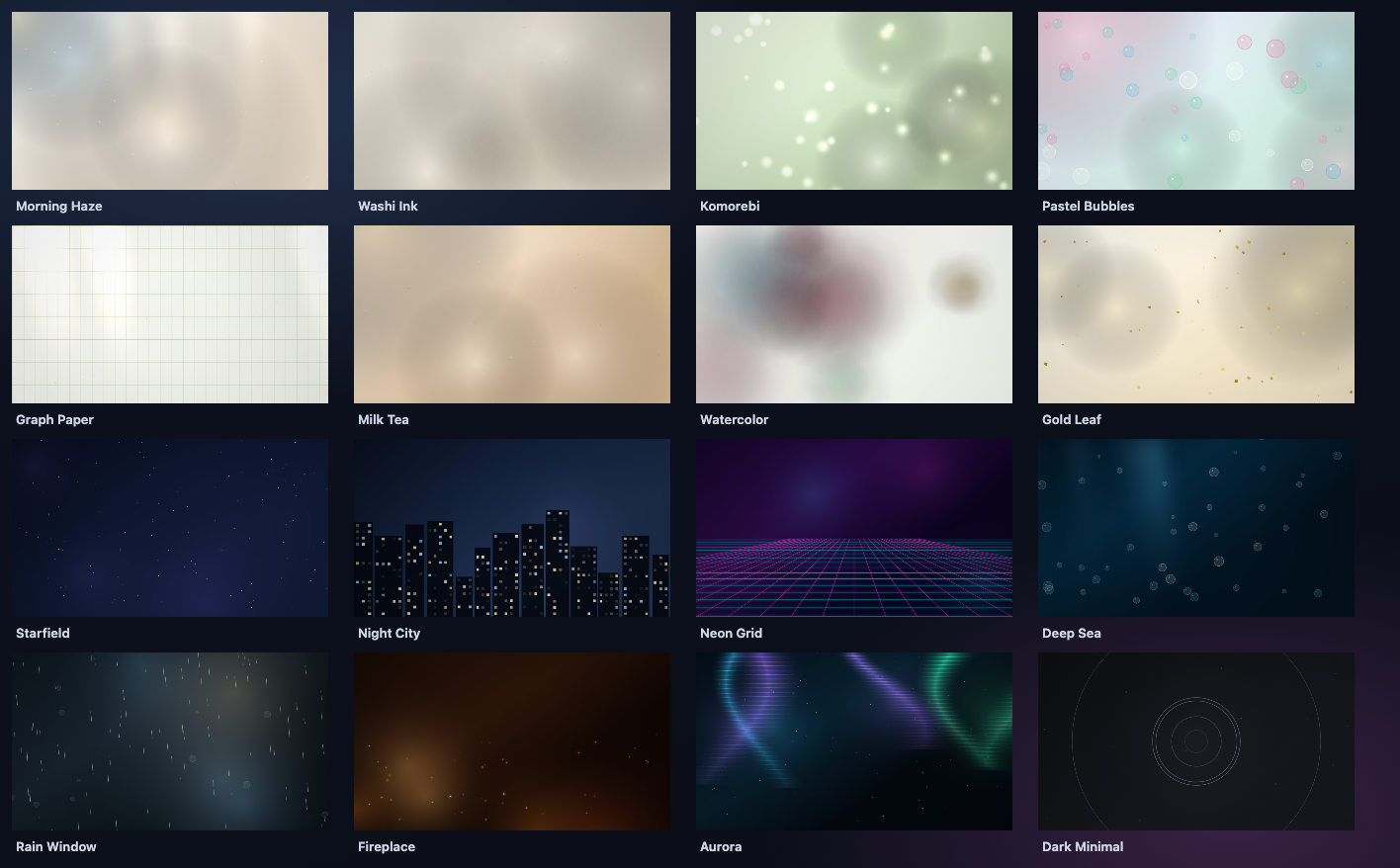
16 themes
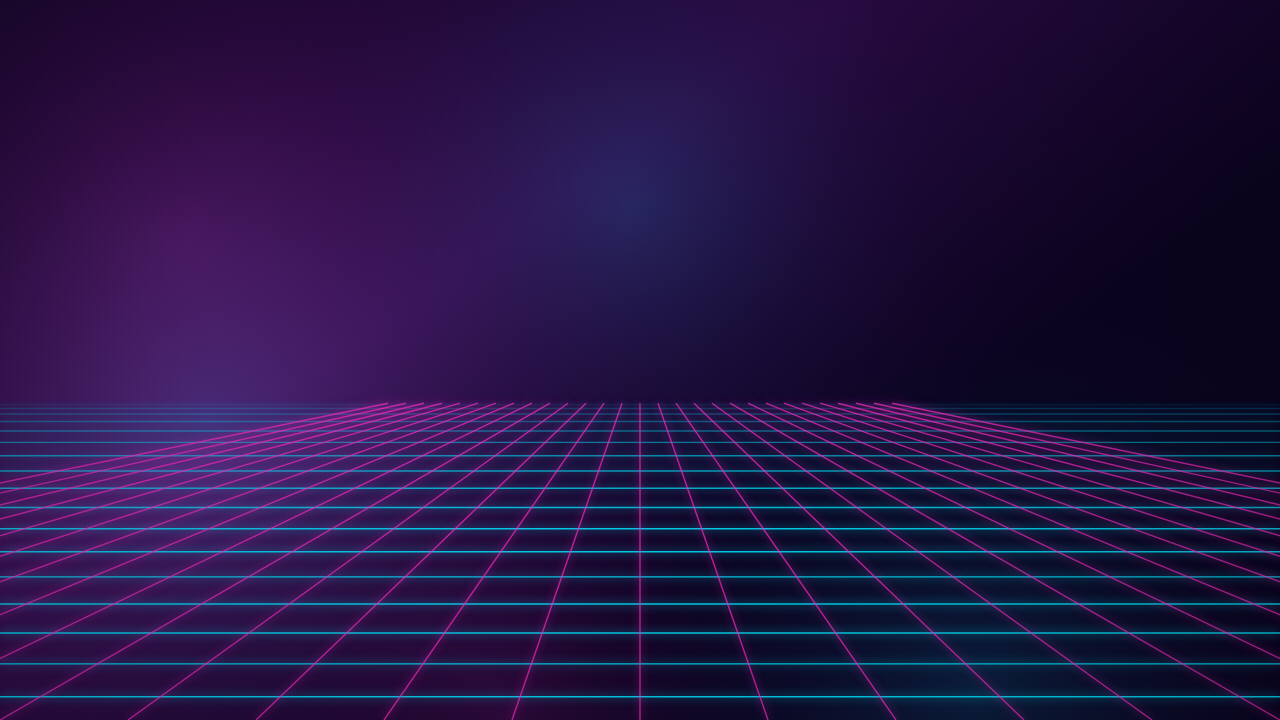
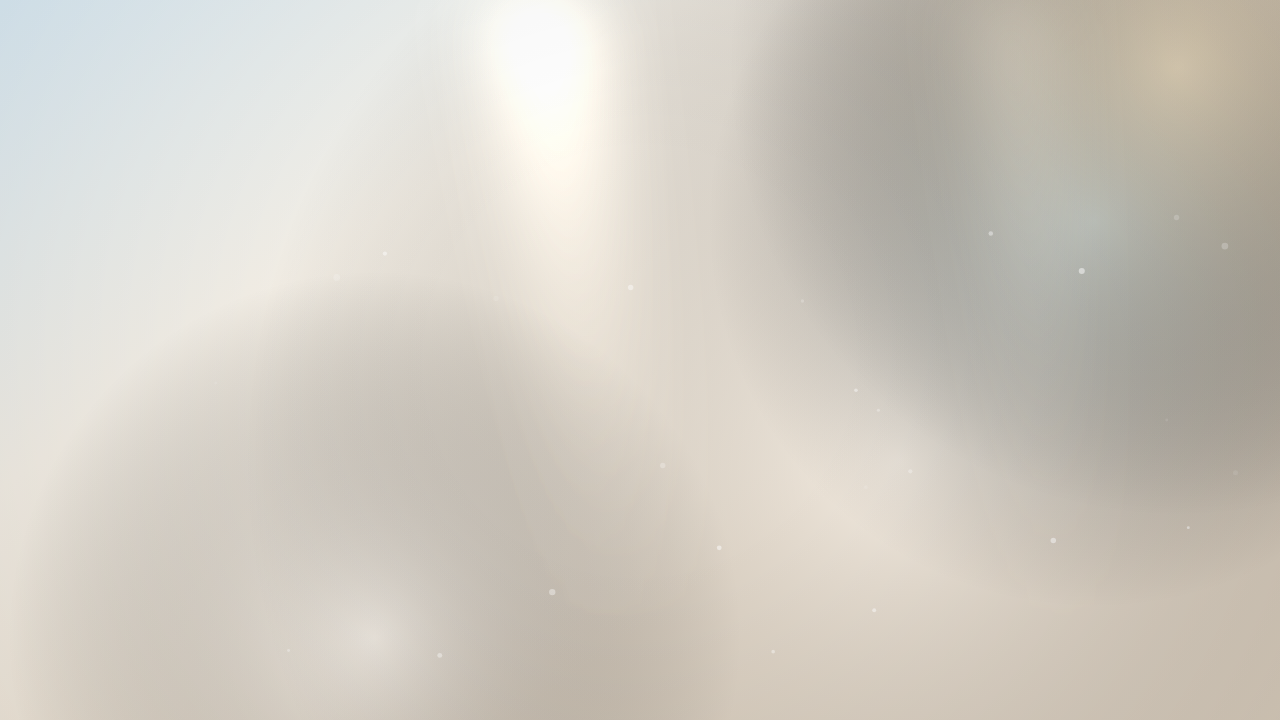
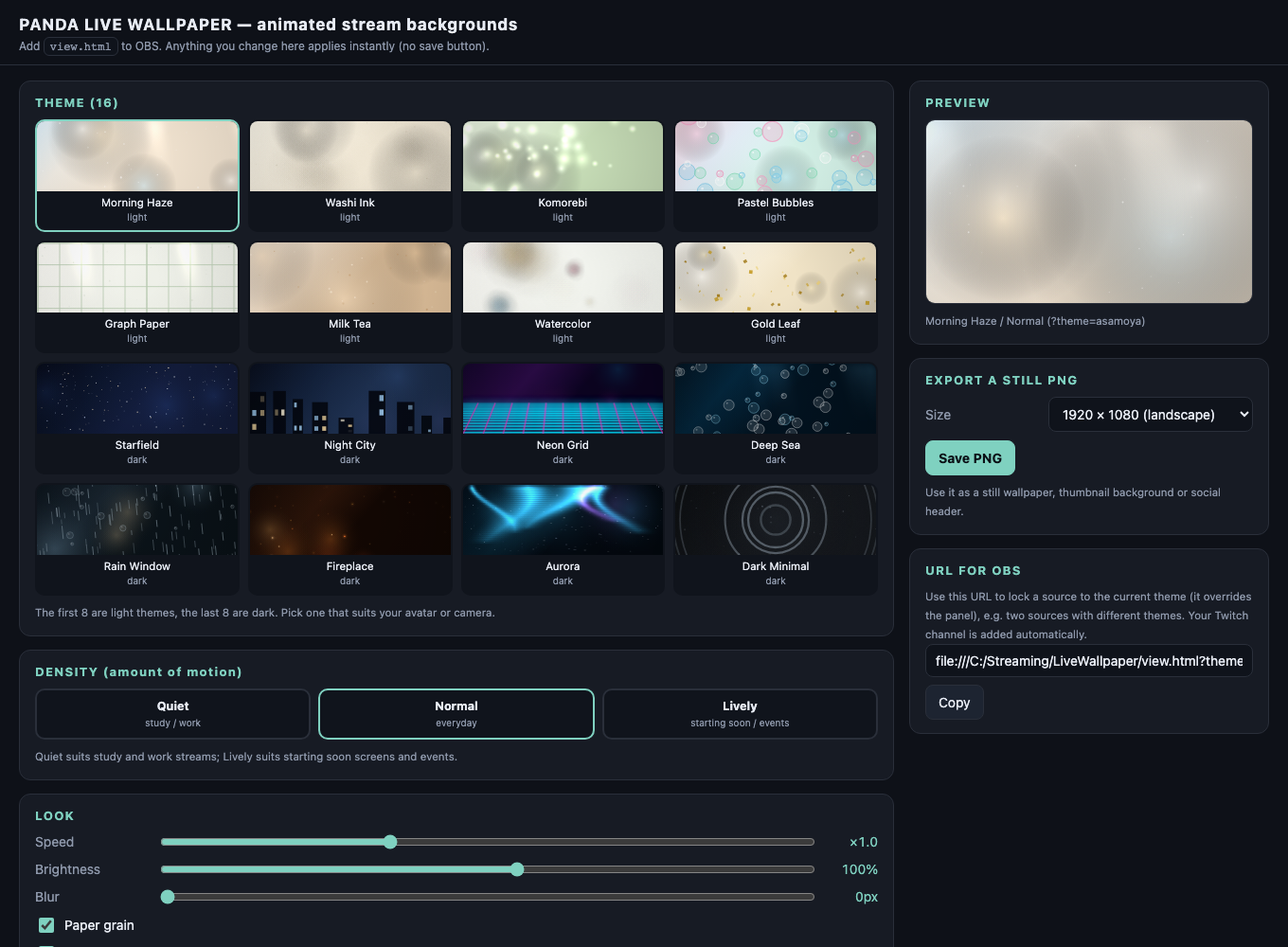
Light: Morning Haze, Washi Ink, Komorebi, Pastel Bubbles, Graph Paper, Milk Tea, Watercolor, Gold Leaf.
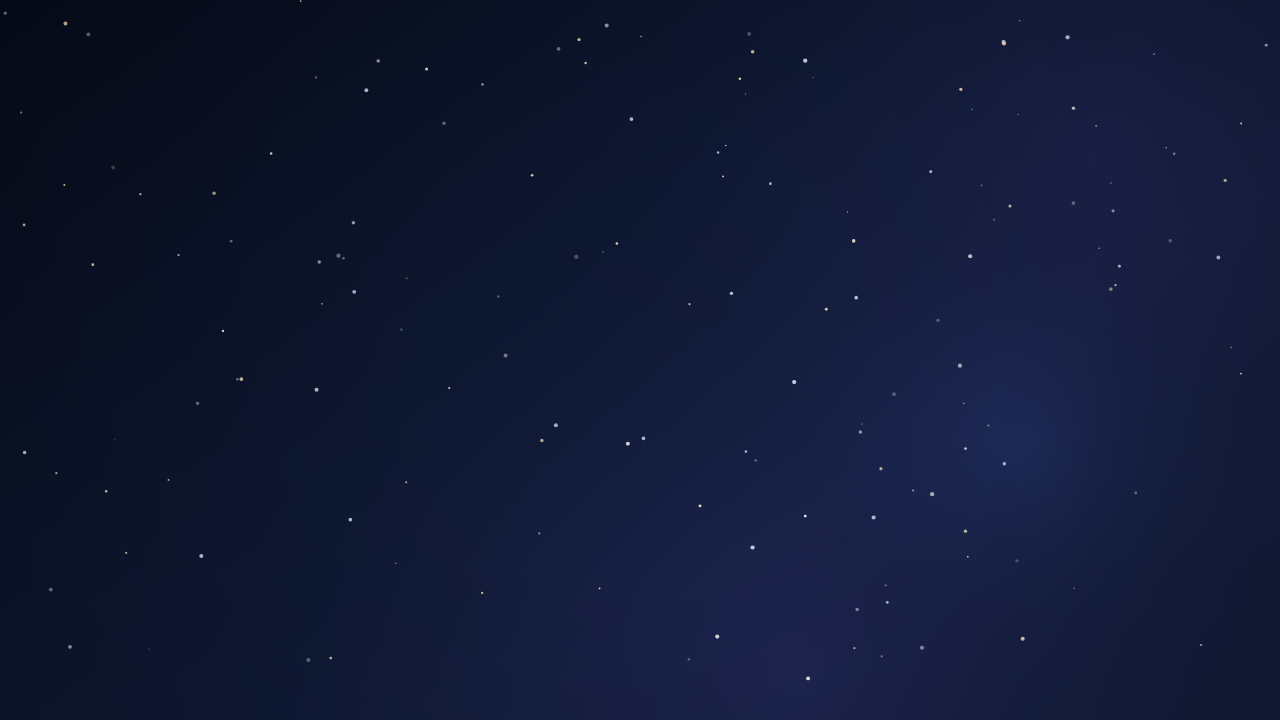
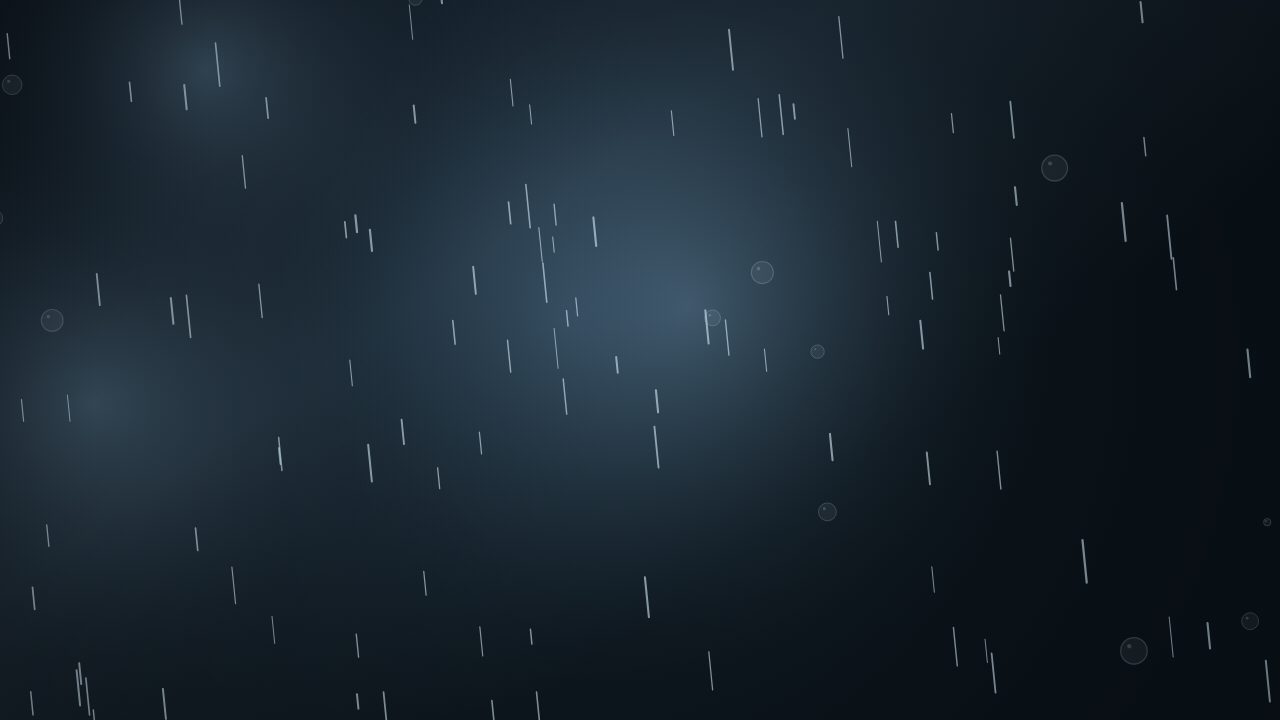
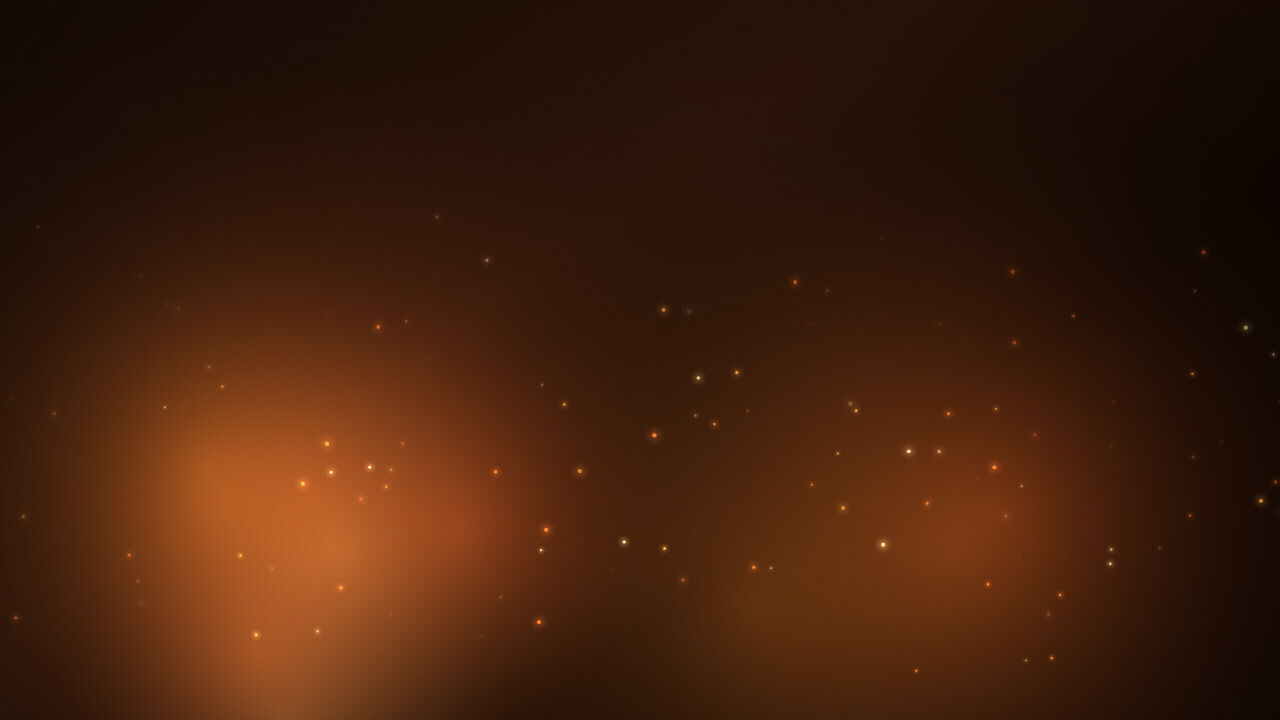
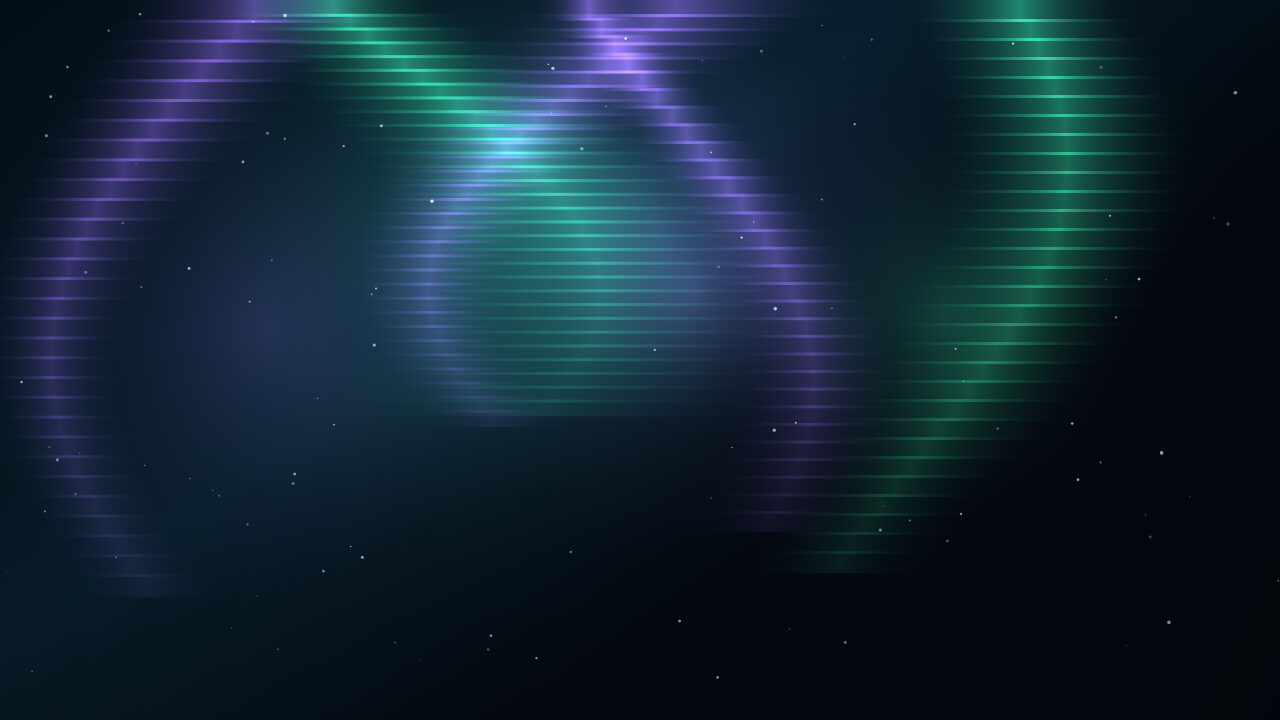
Dark: Starfield, Night City, Neon Grid, Deep Sea, Rain Window, Fireplace, Aurora, Dark Minimal.
Each comes in 3 motion levels: Quiet for study and work streams, Normal, and Lively for starting soon screens and events.
Control panel
Open panel.html in Chrome or Edge to pick a theme and density and to adjust speed, brightness and blur, then copy the URL it shows into your OBS source (see Setup). A panel opened in Chrome does not change OBS live, because Chrome and OBS keep settings in separate places. For live changes, add panel.html to OBS as a second Browser Source the same way as view.html (a file:/// URL), drag it outside the black canvas in the OBS preview so it is not streamed (hiding it with the eye icon also works, but the panel's display, such as the selection highlight, may then not update), and right-click it > Interact. The panel also gives you a URL that locks a source to one theme, so two sources can show two different backgrounds, and it exports the current scene as a still PNG (1920 x 1080, 1080 x 1920 or 2560 x 1440) for thumbnails or social headers.
Reacts to Twitch chat (optional)
Add &twitch=yourchannel to the URL and each chat message sends a soft pulse through the background. Bits, subs and gift subs send a bigger one. Chat is read anonymously and read-only, with no account, token or bot. Without a channel the background simply runs by itself. Add &demo=1 to preview the reactions.
Setup in OBS
1. Unzip the package and keep the lib folder next to view.html.
2. Add a Browser Source, untick Local file, and paste the URL from the panel, for example file:///.../view.html?theme=hoshizora&density=normal&hint=0
3. Set it to 1920 x 1080 (or 1080 x 1920 for vertical streams) and put it at the bottom of your scene.
Requirements
OBS Studio browser source on Windows or macOS, or Chrome and Edge. No images, video, web fonts or CDN files.
License
Use it on personal, business and monetized streams and edit it for your own channel. Redistribution and resale of the files are not allowed. Updates and fixes are free.
Purchase
In order to download this assets you must purchase it at or above the minimum price of $3.60 USD. You will get access to the following files: